





Pre-Lit vs. Unlit Commercial Christmas Trees: What Project Buyers Should Compare
Start with configuration responsibility, not convenience
For a mall, hotel, resort, plaza, municipality, venue, contractor, or event company, comparing pre-lit vs unlit commercial Christmas trees is not simply a question of which option seems more convenient. The choice changes what belongs in the tree supply scope, what must be planned as a lighting scope, which parties own the interfaces, and what evidence should be requested before an RFQ is finalized.
This guide helps a commercial-tree project buyer create a neutral, buyer-owned decision record. The result is one of three statuses: PRE-LIT, UNLIT WITH SEPARATE LIGHTING, or PENDING — EVIDENCE OR RESPONSIBILITY UNRESOLVED. None of these statuses proves technical suitability, destination compliance, availability, or project approval. The record simply makes the scope, owners, questions, and next evidence requests visible.
Short answer: A pre-lit tree is evaluated as a tree configuration supplied with lighting already attached to or integrated with its scope. An unlit tree is evaluated as a tree-only configuration, with any lighting planned under a separate scope. The better route depends on documented project facts and assigned responsibilities—not on a generic claim about speed, cost, reliability, or maintenance. Exact interfaces and evidence must be confirmed for the product under review.
Define pre-lit and unlit at product-model level
The labels are useful starting points, but they are not complete specifications. Before comparing quotations, attach each label to an exact product or model reference and a dated scope record.
What pre-lit means in this guide
“Pre-lit” means the evaluated tree configuration is supplied with lighting already attached to or integrated with the tree scope. The label alone does not establish how the lighting is attached, connected, identified, removed, replaced, checked, or documented. Those details remain product-specific questions. A photograph of an illuminated tree does not answer them.
What unlit with separate lighting means
“Unlit” means the evaluated tree supply scope does not include lighting already attached as part of that configuration. It does not mean the completed display will have no lights. The buyer may plan a separate lighting scope, but must identify who supplies it, who handles its interface with the tree, who confirms the relevant evidence, and who owns it later.
Buyers who need to review current tree listings can browse commercial Christmas tree options, but a category image or title should not replace a product-specific scope confirmation.
Capture project inputs before comparing
Start with facts owned by the buyer and project team. Record the project or venue reference, the exact tree product/model/version if known, the intended destination and use, and the visual or control objective in nontechnical terms. Then name the expected tree supplier, lighting supplier or site team, installer or electrical responsible party, buyer approver, and later maintenance owner.
Collect only the evidence already available: product references, scope documents, drawings or instructions, dated correspondence, component references, and the current responsibility plan. Mark unknown information as unknown; do not complete gaps from a photograph, marketing label, or another product. Specific offer questions can be routed to the custom commercial Christmas tree project page without assuming that both configurations, any particular feature, or any support scope is available.
Compare the two configurations without choosing a winner
There is no universal winner. Treat the comparison as a scope-and-responsibility review. The stronger route for a particular RFQ is the one whose product reference, included scope, interfaces, responsible parties, and evidence requests are sufficiently defined for that buyer’s decision.
Tree and lighting supply scope
Separate the tree from the lighting on paper even when one supplier may discuss both. For each line, record what is included, excluded, unknown, or not applicable, and cite the source used for that entry.
Assembly and responsibility interfaces
Name the parties rather than writing “supplier” or “installer” without context. The project may assign tree supply, lighting supply, integration or installation, confirmation, and later maintenance to different organizations. The record must reflect the actual project map.
Evidence, access, and spare questions
At this stage, access, replacement, component identification, and spares are evidence-request topics—not claims about performance or instructions for repair. A missing answer stays open and is routed to its owner.
| Comparison field | Buyer-defined input | Pre-lit: confirm | Unlit with separate lighting: confirm | Evidence / reference requested | Responsible party | Route if unresolved |
|---|---|---|---|---|---|---|
| Product and configuration identity | Tree reference and intended decision | Exact supplied configuration | Exact tree-only scope | Model, version, source | Buyer and supplier confirmer | PENDING |
| Intended destination and use | Buyer-confirmed location and use | Configuration-specific evidence question | Tree and lighting questions separately | Destination/product record | Competent project party | Local or product review |
| Tree supply scope | Required tree scope | Included, excluded, or unknown | Included, excluded, or unknown | Scope document and version | Tree supplier and buyer | PENDING |
| Lighting supply scope | Buyer intent only | Lighting included in tree scope | Named separate lighting provider | Lighting scope record | Named supplier or site party | PENDING |
| Visual/control brief | Desired visual outcome | Items needing model confirmation | Items for lighting design owner | Approved brief version | Buyer and lighting owner | Lighting owner |
| Attachment/integration and interfaces | Site and team inputs | Attachment/interface information | Tree-lighting interface information | Drawing or instruction | Supplier and competent party | Technical review |
| Assembly responsibility | Project role map | Owner of tree/included-light interfaces | Owners of tree and lighting scopes | Responsibility record | Named project parties | PENDING |
| Pre-delivery evidence | Buyer request | Product/scope-specific request | Separate tree and lighting requests | Record name, version, provider | Provider and confirmer | Procurement follow-up |
| Inspection/replacement access questions | Procurement questions | Access and identification questions | Tree and lighting questions separately | Instruction/component record | Supplier and maintenance owner | Maintenance owner |
| Spares/component identification | Clarification required | Scope and identification status | Tree and lighting items separated | Component reference | Provider and buyer confirmer | PENDING |
| Seasonal removal/storage/reassembly | Responsibilities to assign | Tree/lighting responsibility questions | Separate responsibility questions | Project responsibility record | Buyer, site, or third party | Logistics or maintenance owner |
| Handoff and installed-stage route | Next owner and artifact | Confirmed information passed forward | Confirmed information passed forward | RFQ or approved scope | Decision owner | Installed-stage owner |
Use the matrix as a question map, not a scoring sheet. If a missing model fact, interface, document, or owner could change the selected configuration, the result remains pending. For broader specification, logistics, and supplier fields, use the commercial holiday decoration procurement checklist rather than expanding this comparison into a general procurement guide.
Build the lighting-configuration decision record
The following record is the central working artifact. Copy it into the project file, keep one controlled version, and update entries only when the source or responsible owner is identified. It records a purchasing decision; it is not a technical approval, compliance conclusion, or acceptance certificate.
| Record field | Buyer entry / controlled value | Required evidence or owner |
|---|---|---|
| Project / venue reference | [buyer entry] |
[current project source] |
| Tree product/model/version | [exact reference or UNKNOWN] |
[supplier/product record] |
| Intended destination and use | [buyer-confirmed context] |
[responsible destination/use reviewer] |
| Configuration decision | PRE-LIT / UNLIT WITH SEPARATE LIGHTING / PENDING — EVIDENCE OR RESPONSIBILITY UNRESOLVED |
[decision owner and real date/version] |
| Tree supply scope | [included / excluded / unknown items] |
[scope reference and provider] |
| Lighting supply scope | [included / separate / unknown] |
[scope reference and provider] |
| Responsibility map | [who supplies / integrates or installs / confirms / later maintains] |
[named roles and supporting record] |
| Visual/control brief | [buyer objective; no assumed technical values] |
[approved buyer brief / lighting owner] |
| Assembly/interface questions | [open interface questions] |
[drawing, instruction, or competent-party response requested] |
| Evidence request index | [record name / product or model / version or date / provider / confirmer / status] |
[each source referenced separately] |
| Inspection/replacement-access questions | [procurement questions only] |
[instruction/component owner] |
| Spare/component-identification questions | [requested identification and scope] |
[supplier confirmation; no assumed inclusion] |
| Destination-specific escalation | [question requiring local or product review] |
[competent responsible party] |
| Open issues | [items still blocking the decision] |
[evidence owner and next request] |
| Next handoff | [procurement / lighting / maintenance / installed-stage / other competent owner] |
[next artifact or reference] |
Four responsibility questions make the record usable: Who supplies the item? Who integrates or installs it? Who confirms the relevant product and destination evidence? Who later maintains the lighting-related scope? If any answer is “unknown,” name the person or organization expected to resolve it and the evidence requested.
The evidence request index should not be a folder of unlabelled attachments. Each entry needs a record name, exact product/model reference, version or date, provider, confirming party, and request status. The open-issues field then shows which missing items could change the decision. The next-handoff field prevents a procurement question from being mistaken for a completed technical or operational review.
Assign responsibilities across the project team
Responsibility is project-defined. A buyer can use the following role map without assuming that any party automatically covers another party’s scope:
- Tree supplier: confirms the evaluated tree reference and the documented tree supply scope.
- Lighting supplier or site team: confirms any separately planned lighting scope and the information it requires from the tree scope.
- Installer or electrical responsible party: reviews the interfaces and destination/use questions assigned to that role; this article does not prescribe its technical decisions.
- Buyer approver: owns the selected status, record version, unresolved conditions, and RFQ handoff.
- Maintenance owner: receives relevant access, identification, and responsibility questions without turning this procurement record into a repair procedure.
One scope boundary deserves an explicit RFQ line. Less-experienced buyers may treat a large commercial Christmas tree like a household tree and assume that all project power-supply components are included. Unless it is explicitly included in the confirmed project scope, Hyclight's large commercial Christmas tree supply does not include the project/site power-distribution cabinet.
Before finalizing the RFQ, the buyer should have the responsible project parties confirm the required cabinet or enclosure, switching or control arrangement, responsible party, destination requirements, and local electrical design. These are project-specific questions, not universal product specifications. If the requirement is discovered late and suitable equipment is not available locally, later supply and air freight may delay the project schedule. This is a conditional procurement risk, not a guaranteed outcome or a fixed delivery statement.
If one organization is proposed for multiple roles, record each role separately and obtain scope confirmation for each. If the project later needs lighting application guidance, route that task to the project's responsible lighting owner instead of inserting layout, connection, or installation steps into this decision record.
Request evidence before the RFQ is finalized
Evidence requests should be specific enough to match the evaluated product and scope. A useful request states: record name; exact product/model; version or date; provider; confirming party; and unresolved status. “Send certificates” or “send test documents” is too broad because neither identifies the product, destination question, requested scope, nor review owner.
Product and interface evidence
Request the exact product/configuration reference, tree and lighting scope documents, and any applicable instructions, drawings, interface information, component identification, or photographs needed by the named project reviewers. Ask the competent destination or product reviewer which evidence is applicable. Do not convert a missing record into an assumed answer, and do not treat one product’s file as evidence for another.
Checks, spares, and handoff materials
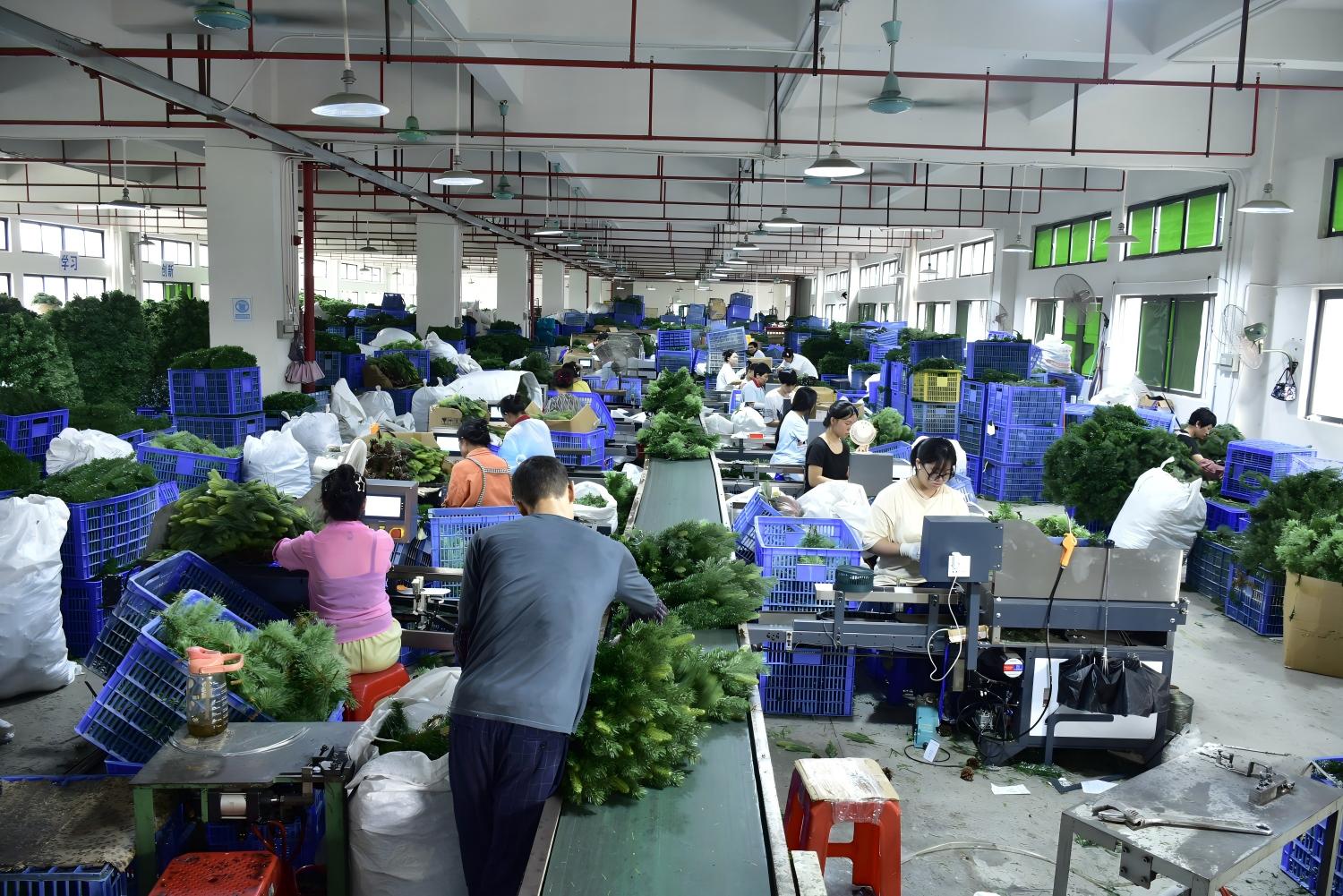
For the confirmed project scope, ask which check or test records, component references, commonly used spare parts, photographs, or instructions are included or can be provided. These are conditional requests, not statements that a specific record or item is standard, complete, compatible, or available. Keep each request tied to its product, provider, confirmer, and status.
Keep maintenance and installed-stage decisions with their owners
Procurement can ask how components are identified, what access information exists, which spare-related details need confirmation, and who will own seasonal removal, storage, reassembly, diagnosis, or replacement. It should not write the repair method or assume a maintenance outcome.
Likewise, this record stops before installed-display commissioning and acceptance. Once installation exists, walkdown findings, exceptions, corrective actions, rechecks, sign-off, and handover closure belong in a separate holiday display commissioning and acceptance checklist. Keeping the stages separate prevents an RFQ question from being misread as evidence that installed work has passed.
Choose PRE-LIT, UNLIT WITH SEPARATE LIGHTING, or PENDING
- Choose PRE-LIT only when the evaluated model/configuration, included lighting scope, responsibility map, and material evidence requests are sufficiently defined for the buyer’s RFQ. This is not technical approval.
- Choose UNLIT WITH SEPARATE LIGHTING only when the tree-only scope and the separate lighting and responsibility interfaces are sufficiently defined for the RFQ. This is not a lighting design.
- Choose PENDING — EVIDENCE OR RESPONSIBILITY UNRESOLVED when a missing model fact, document, party, or interface could materially change the choice.
No formula or score should select the route automatically. Pending is a valid control status when deciding now would hide a material gap.
Keep adjacent decisions on their existing pages
Use product and category pages for current tree discovery, and compare full-shaped and cone-frame commercial Christmas trees when the unresolved question concerns form rather than lighting configuration. Send lighting application, general procurement, maintenance, and installed acceptance to their respective owners. This page should remain a narrow pre-RFQ configuration record.
Project-buyer FAQs
What does pre-lit mean for a commercial Christmas tree?
In this guide, pre-lit means the evaluated tree configuration is supplied with lighting attached to or integrated with the tree scope. The exact lighting scope, connection method, removability, component identification, and available documents must be confirmed for the specific product or model.
Does unlit mean a commercial Christmas tree will have no lights?
No. Unlit means the tree supply scope does not include lighting already attached as part of that configuration. The finished project may use separately planned lighting, provided the project names its supply, integration or installation, confirmation, and later maintenance responsibilities.
Which is better for a commercial project: pre-lit or unlit?
Neither is universally better. Compare the exact product and scope, intended destination and use, responsibility map, interface information, evidence requests, access and component questions, and next handoff. Select the route that is sufficiently defined for the RFQ—or keep the decision pending.
Does pre-lit mean the lights can be removed or replaced separately?
No conclusion can be drawn from the label alone. Request the exact model instructions, interface information, and component identification needed by the responsible project reviewers. Keep removability or replacement status open until product-specific evidence supports the answer.
Who supplies and installs lighting for an unlit commercial tree?
The project must name the lighting supplier or site party and the integration or installation owner in its scope record. Those roles may differ by project. Do not assign them generically to the tree supplier, a contractor, or any other party without confirmation.
What evidence should buyers request before finalizing the RFQ?
Request exact product/model and scope references, applicable instructions or interface information, requested check/test or photo records, component or spare identification, and responsible confirmations. Record the name, version/date, provider, confirmer, and status of every item rather than requesting an unspecified document pack.
Does this record replace commissioning, electrical review, or maintenance procedures?
No. It is a pre-RFQ responsibility and evidence-request record. Destination and technical questions go to competent parties; installed-display exceptions and closure go to the commissioning owner; and diagnosis, repair, replacement, and maintenance procedures stay with their separately assigned owner.
Prepare the RFQ handoff
Complete the lighting-configuration decision record, then prepare the project/venue reference, intended destination and use, exact tree reference if known, selected status, separate tree and lighting scopes, named project roles, visual/control brief, evidence and interface requests, unresolved issues, and decision owner.
When the buyer’s own record supports a product-specific purchase inquiry, share those confirmed inputs and open questions through the appropriate Hyclight tree or contact route. This next step does not promise configuration availability, technical review, compliance, testing, spares, installation, repair, price, MOQ, lead time, response time, or a project result.