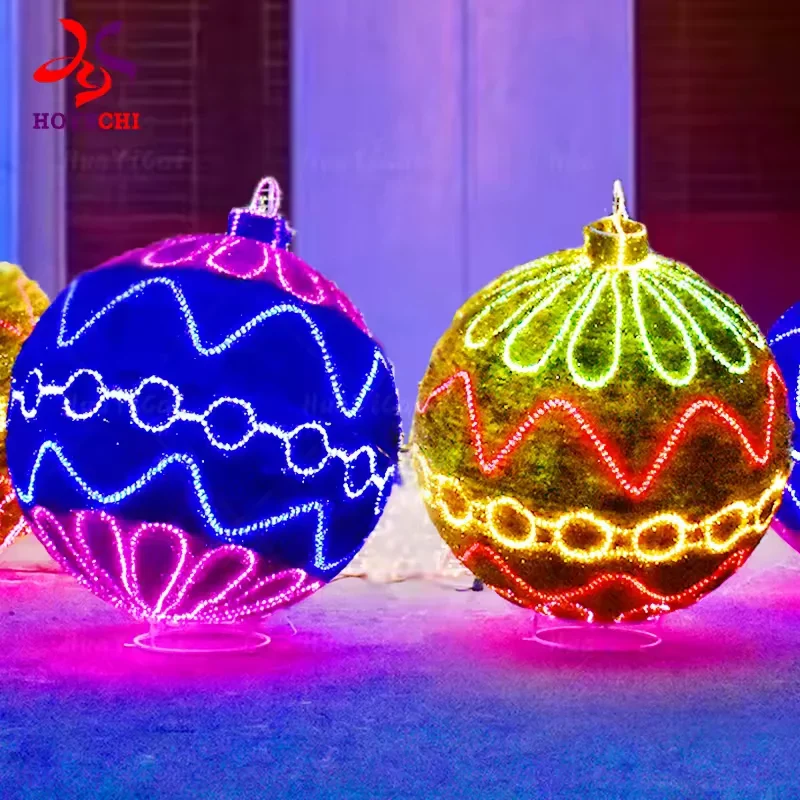
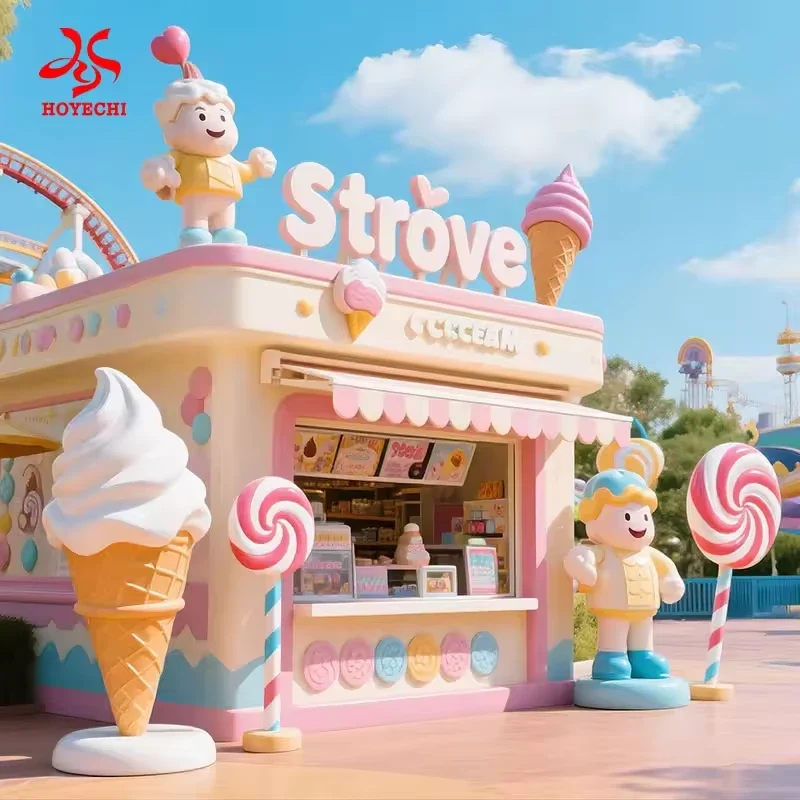
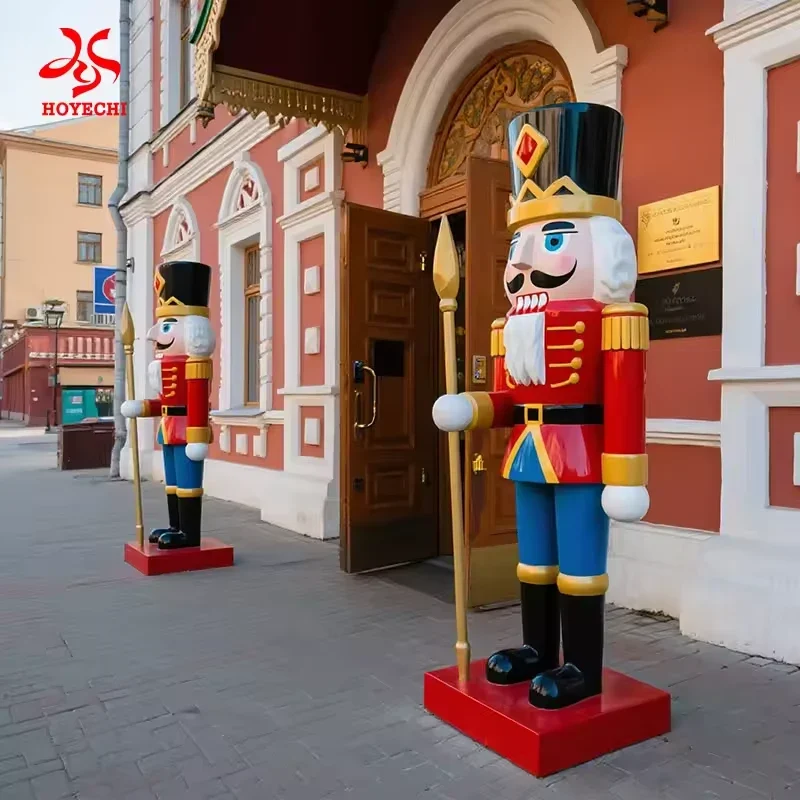
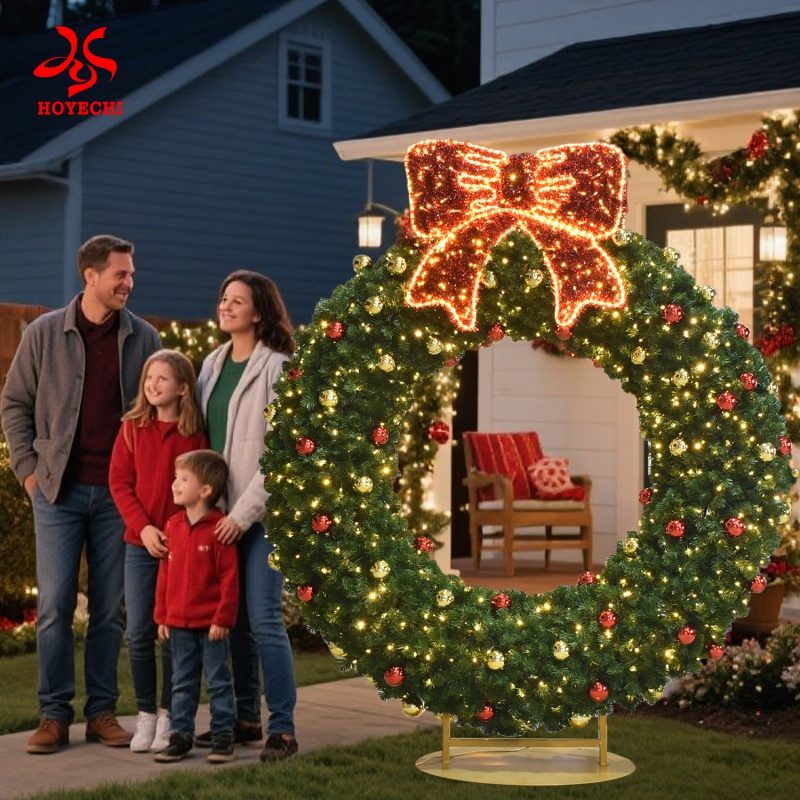
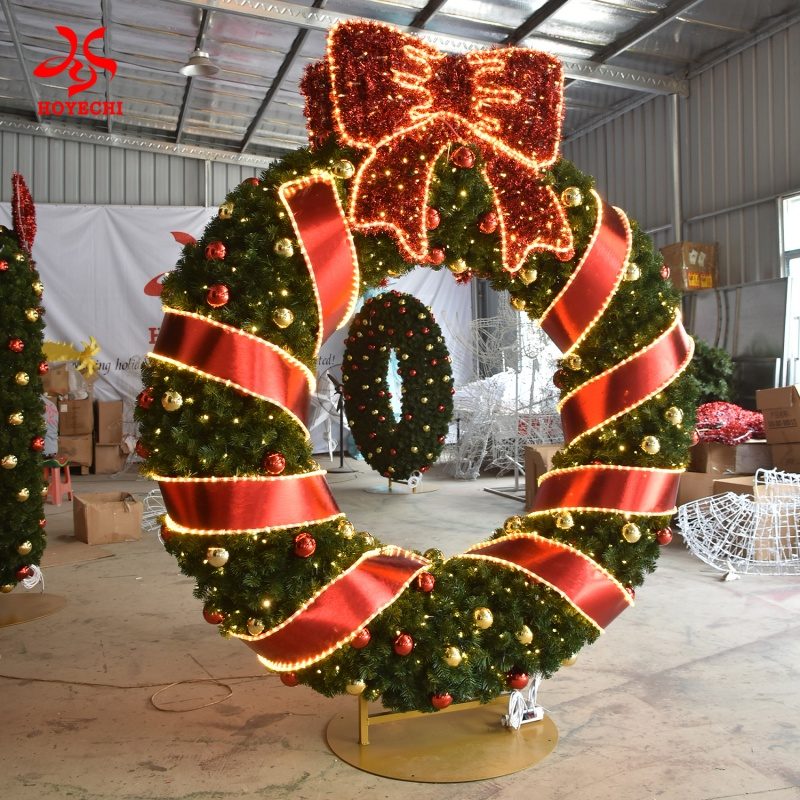
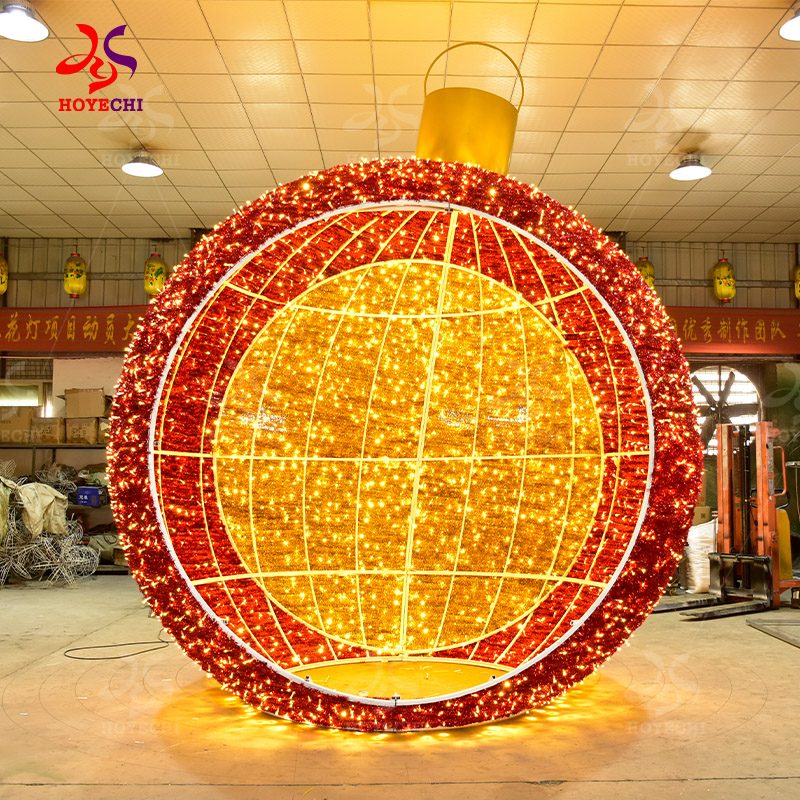
The visible archive provides current routes to wreath pages and an arch-ball motif page. That is the supported category view at this stage: a set of discovery routes, not proof of a complete ornament range. The cards can help a buyer identify an exact page to inspect, but they do not establish availability, site fit or any unstated product property.
If a buyer asks for a standalone ball, ornament stack, hanging ornament or another form without a current route, record it as an open request. Do not convert an absent page into an offering claim. Request evidence for an exact candidate or keep the feature role unresolved. A walk-through request should move to its separate entity owner.
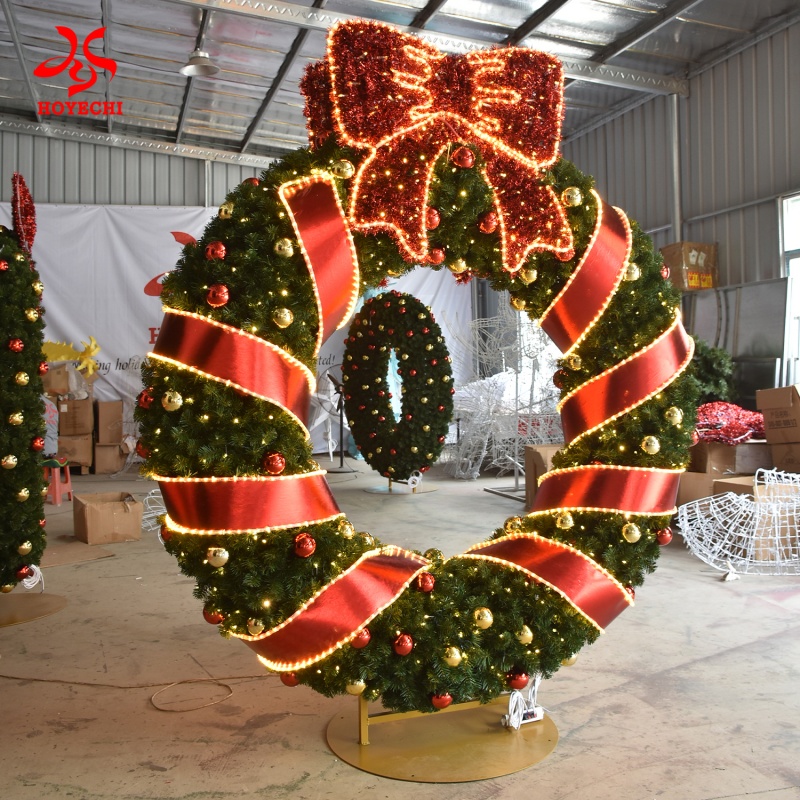
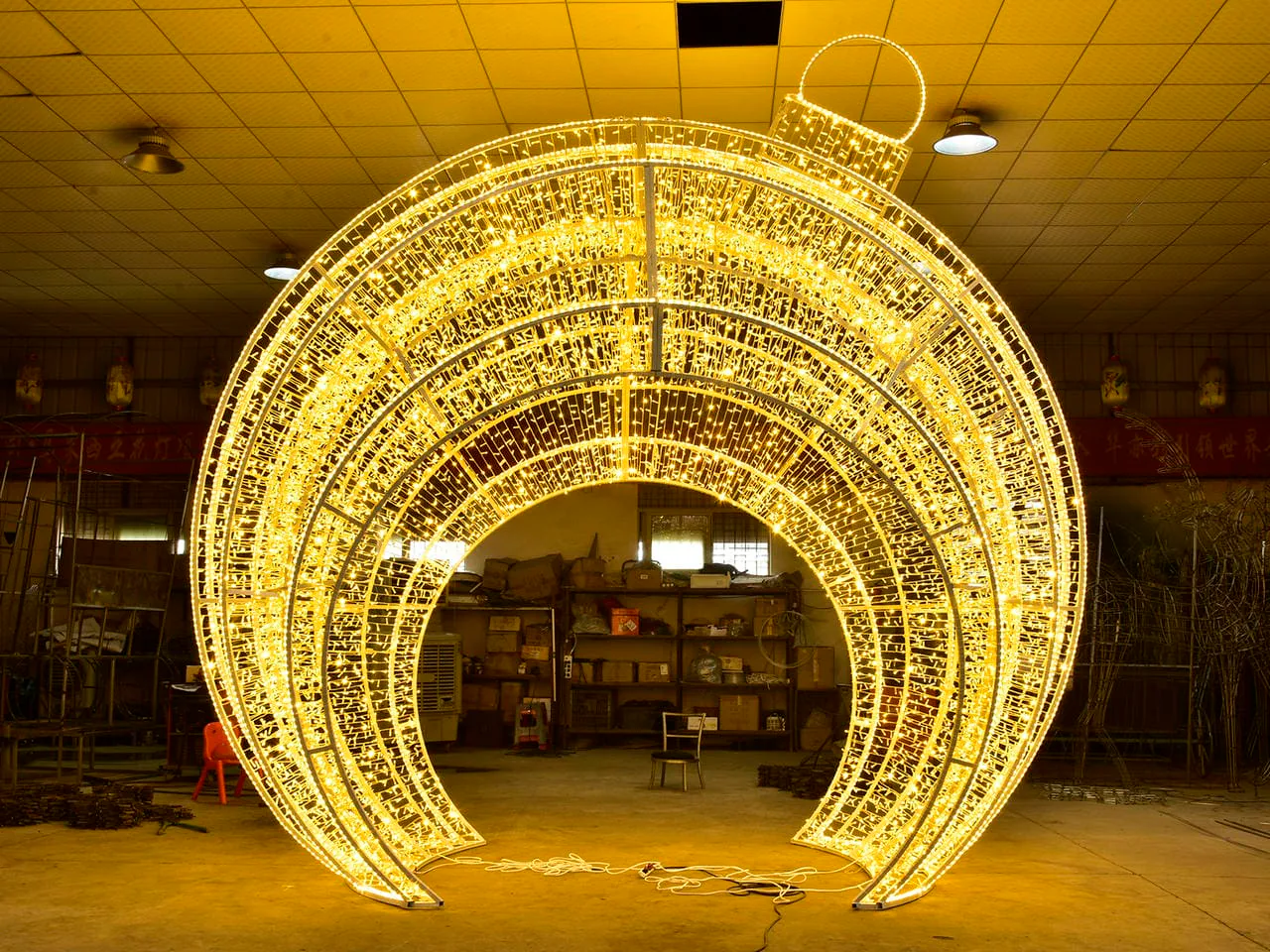
A walk-through request changes the reader's job from general family discovery to evaluation of a specific entity route. The buyer can review the giant walk-through Christmas ornament without treating that product page as evidence that every archive item supports passage, interaction, photography or the same project role.
Use one record to separate buyer-held information, exact candidate evidence and destination or local review. For an initial design discussion, provide surrounding site context, relevant dimensions, the exact area and several photographs from different angles. These are not a site plan or complete technical or destination review.
| Record field | Evidence class | Buyer entry or working status |
|---|---|---|
| Venue / project reference | Buyer-held | [buyer identifier; do not publish without approval] |
| One intended feature role | Buyer-held | [focal object / wreath-form feature / arch-ball motif / walk-through interest / unresolved] |
| Intended position / area reference | Buyer-held | [exact area, surrounding site reference and relevant dimensions; no layout conclusion] |
| Interaction expectation | Buyer-held | [visual-only / passage requested / unresolved] |
| Buyer-held photos, drawings or notes | Buyer-held | [several site views from different angles; source, version/date and permissions] |
| Project use, reuse and timing context | Buyer-held | [short-term temporary or brand-promotion / repeated longer-term use / rental inventory / unresolved; buyer timing and budget context only] |
| Exact current candidate URL / reference | Exact supplier evidence | [current HYCLight route or NONE] |
| Candidate identity and version | Exact supplier evidence | [reference plus current source/version] |
| Product evidence held | Exact supplier evidence | [field plus exact evidence source] |
| Product evidence missing | Exact supplier evidence | [specific unanswered field] |
| Destination/local review question | Destination/local-party verification | [one named issue; do not answer it in this record] |
| Responsible reviewer / evidence owner | Destination/local-party verification | [actual project role] |
| Specialist owner route | Routing | [walk-through / zone / arch-vs-tunnel / 2D-vs-3D / parent / none] |
| Next evidence request | Routing | [item, owner/source and checkpoint] |
| Current workflow state | Routing | [BROWSE / ROUTE / REQUEST EVIDENCE / HOLD] |
Keep the exact candidate URL or reference with the source and version of supporting evidence. If a field has no exact source, place it under “Product evidence missing” rather than fill it from a similar card or memory.
Destination and local-project questions need a separate evidence class. State the issue, the project role responsible for it and the evidence needed. Show ownership without declaring compliance, safety, installation or approval.
Use BROWSE while inspecting routes, ROUTE when the decision belongs elsewhere, and REQUEST EVIDENCE when an exact candidate needs a current source. Use HOLD when a missing fact could change the feature, candidate or owner. Advance only when that decision stage has sufficient evidence and destination questions have a named reviewer.
Move away from the category when the buyer's question changes. Identify the next owner without reproducing its tool, comparison or product claims.
| If the next question is... | Use this owner | Boundary retained here |
|---|---|---|
| Is this exact walk-through ornament the relevant entity to inspect? | Use the exact walk-through product page linked above. | Entity route only; confirm exact evidence separately. |
| How should several areas across one property be organized? | Build a commercial Christmas display zone register. | Site-wide zones, priorities and dependencies remain with that owner. |
| Does one entrance or focal arch fit the stated job better than a repeated tunnel? | Compare a Christmas arch with a light tunnel. | Passage-format factors and any hybrid decision remain outside this category. |
| Should one defined position use a flat or dimensional motif? | Compare 2D and 3D motif lights for one position. | The format matrix and single-position decision remain with that guide. |
| How does the ornament question relate to a wider commercial project? | Review the parent commercial Christmas decoration solutions context. | Do not infer a whole-project service or product range from that route. |
These routes keep zone, passage-format, dimensional-format and exact walk-through decisions with their owners. Return here when the job is again ornament-family discovery.
An inquiry should make known inputs, evidence gaps and ownership visible. Complete the list without turning an unresolved point into a specification or assuming that the supplier, buyer and local reviewer hold the same information.
Prepare the venue reference, intended feature role, candidate links, buyer-held site information and unresolved evidence questions before submitting a purchase inquiry. Share Ornament Project Inputs.
It is a working discovery phrase for oversized ornament-form features considered for commercial-property projects. It helps a buyer describe what to browse and route the next question. It does not establish a universal size, technical standard, product range or conclusion about a particular candidate.
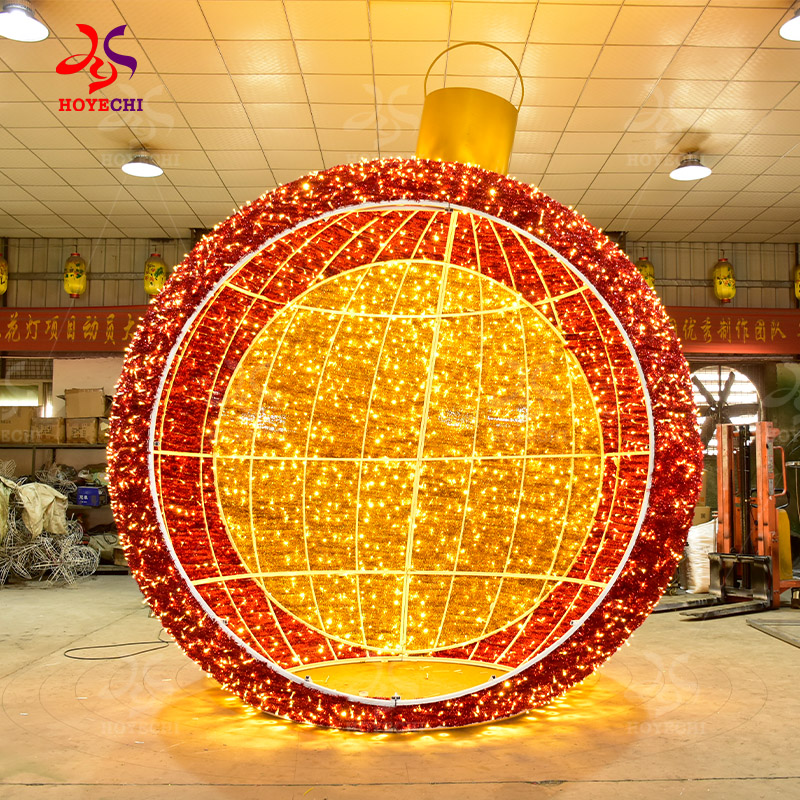
The current archive visibly routes buyers to wreath pages and an arch-ball motif page. Those routes are starting points for exact-candidate review. Their presence does not confirm availability, suitability, a complete range or product facts that are not supported by a current source.
The current archive does not support a complete-range conclusion. Use its visible routes. If the requested form is absent, record an open request and seek an exact candidate reference with current evidence; do not assume HYCLight offers that product family through this category.
Prepare the intended role, use/reuse context, exact area, relevant dimensions, several current site photographs from different angles, timing and candidate links. Separate confirmed evidence from missing fields, and name the responsible reviewer for each destination or local-project question.
Change owners when the decision is no longer ornament-family discovery. Use zone planning for several property areas, the arch-versus-tunnel guide for entrance or repeated-passage format, and the 2D-versus-3D guide for the dimensional format of one defined position. Keep each tool's decision separate.